
Communication displays for training and community
The writing's on the wall.
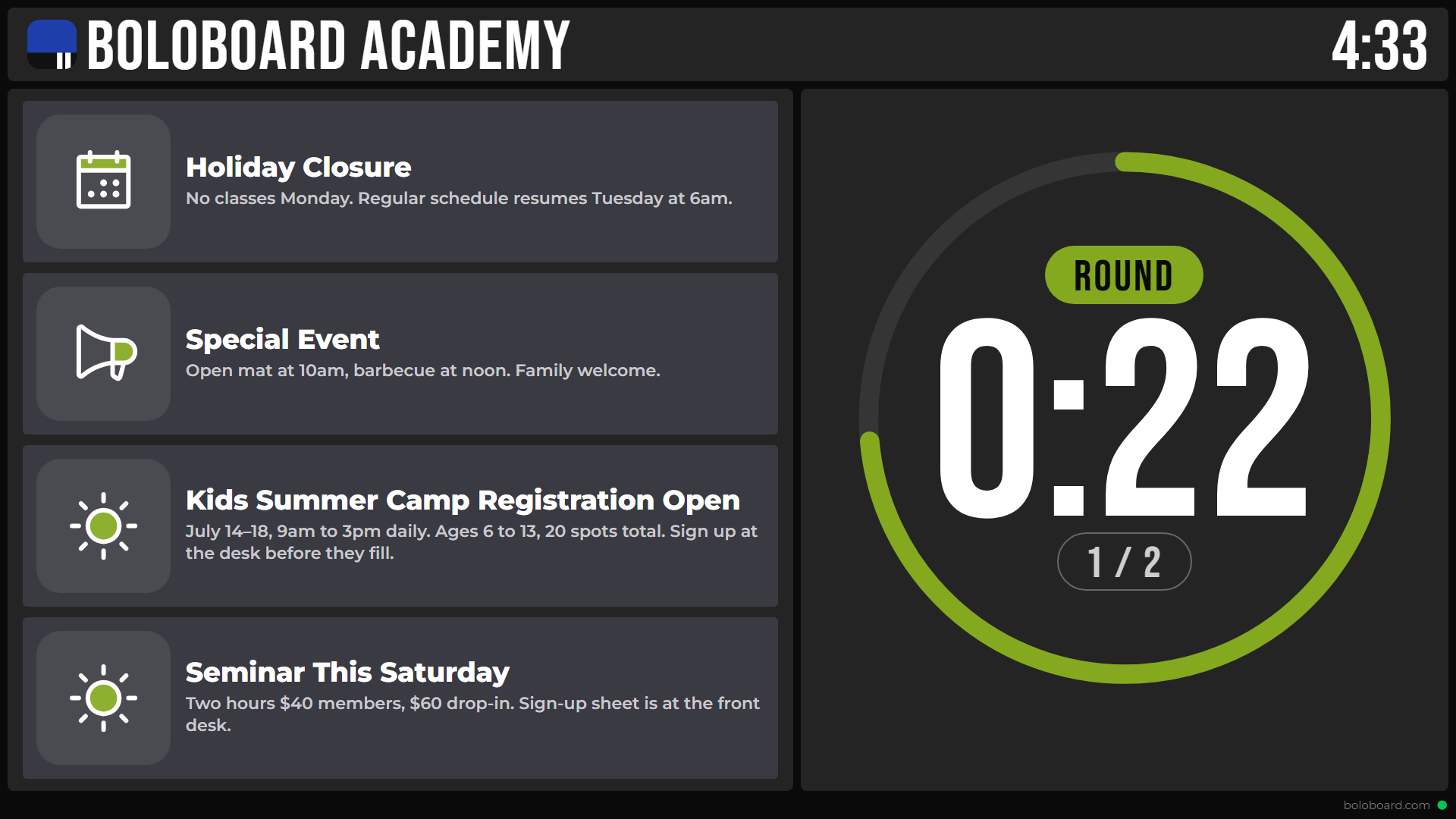
Plan and share announcements, display the class schedule, show photos and videos, and run training timers.
Fast and hassle-free setup. Compatible with Google TV displays and streaming devices.
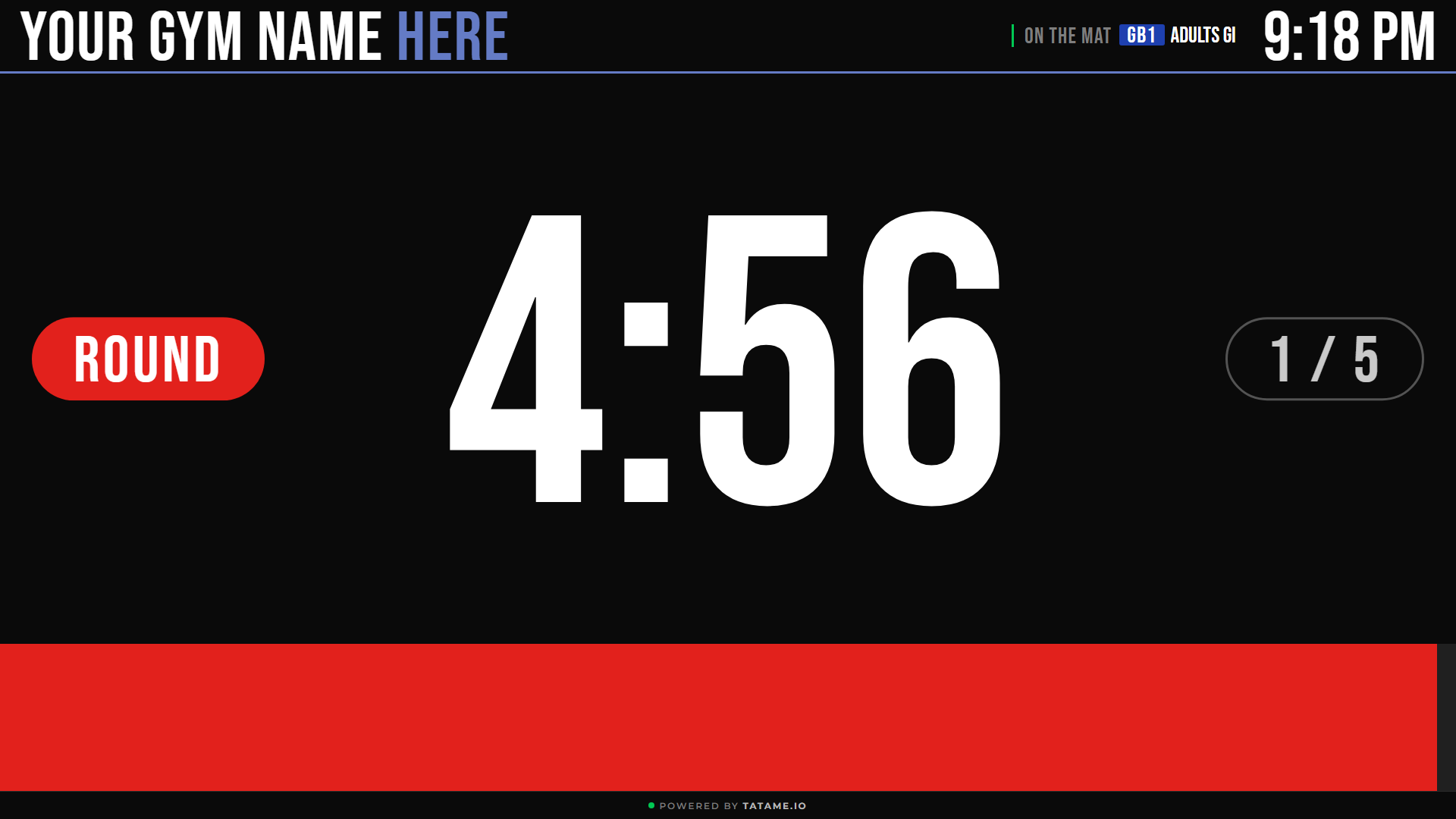
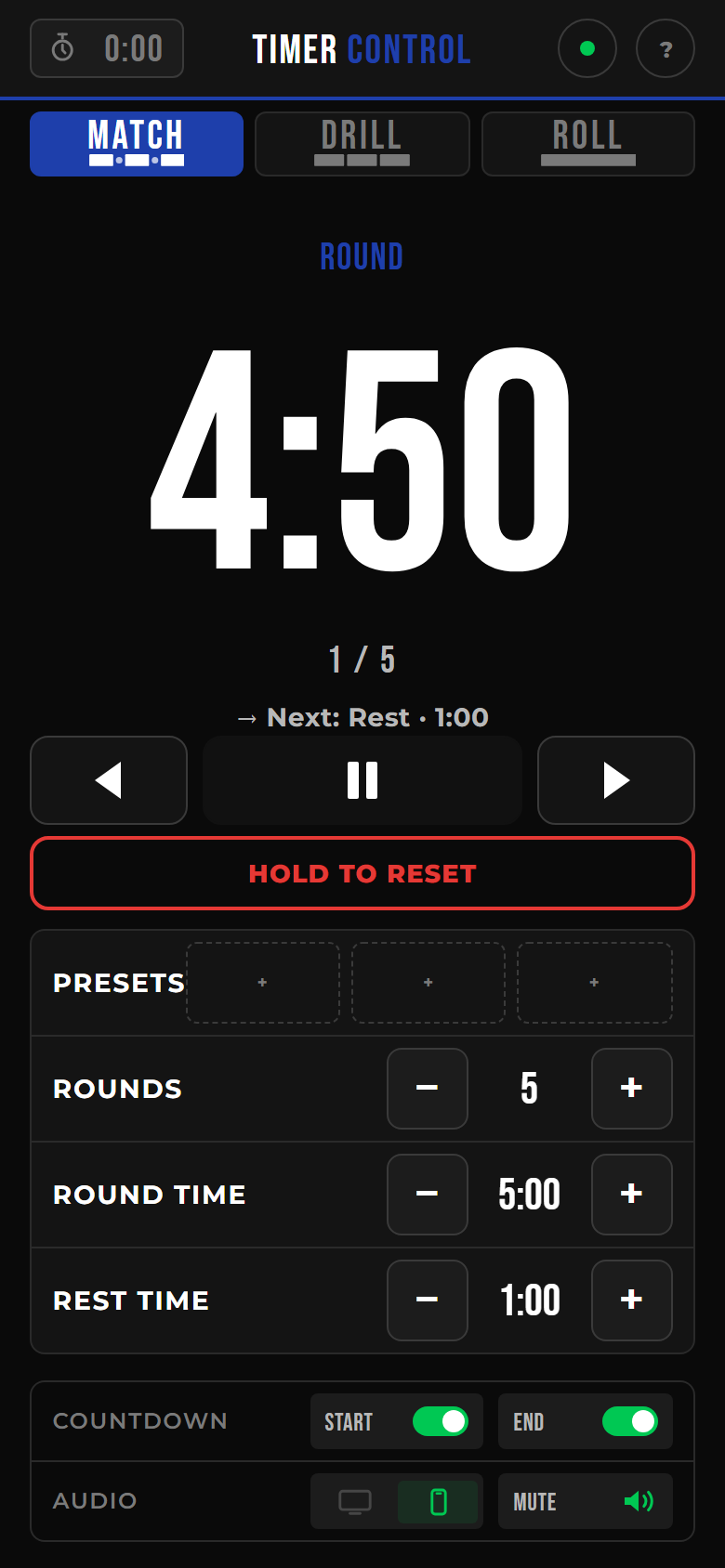
Control training timers from your phone with no app required.
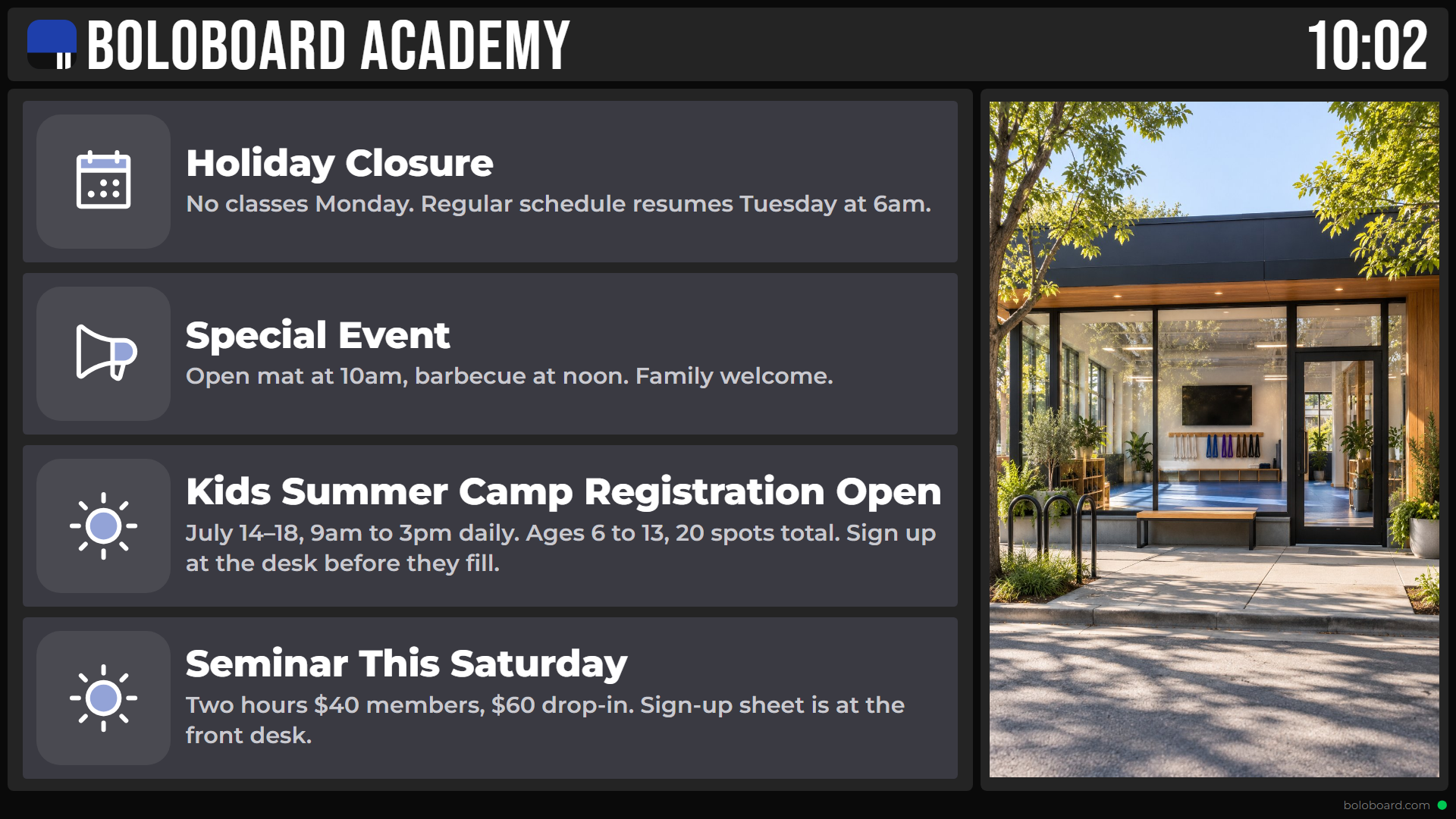
Events on display.
Share the news.
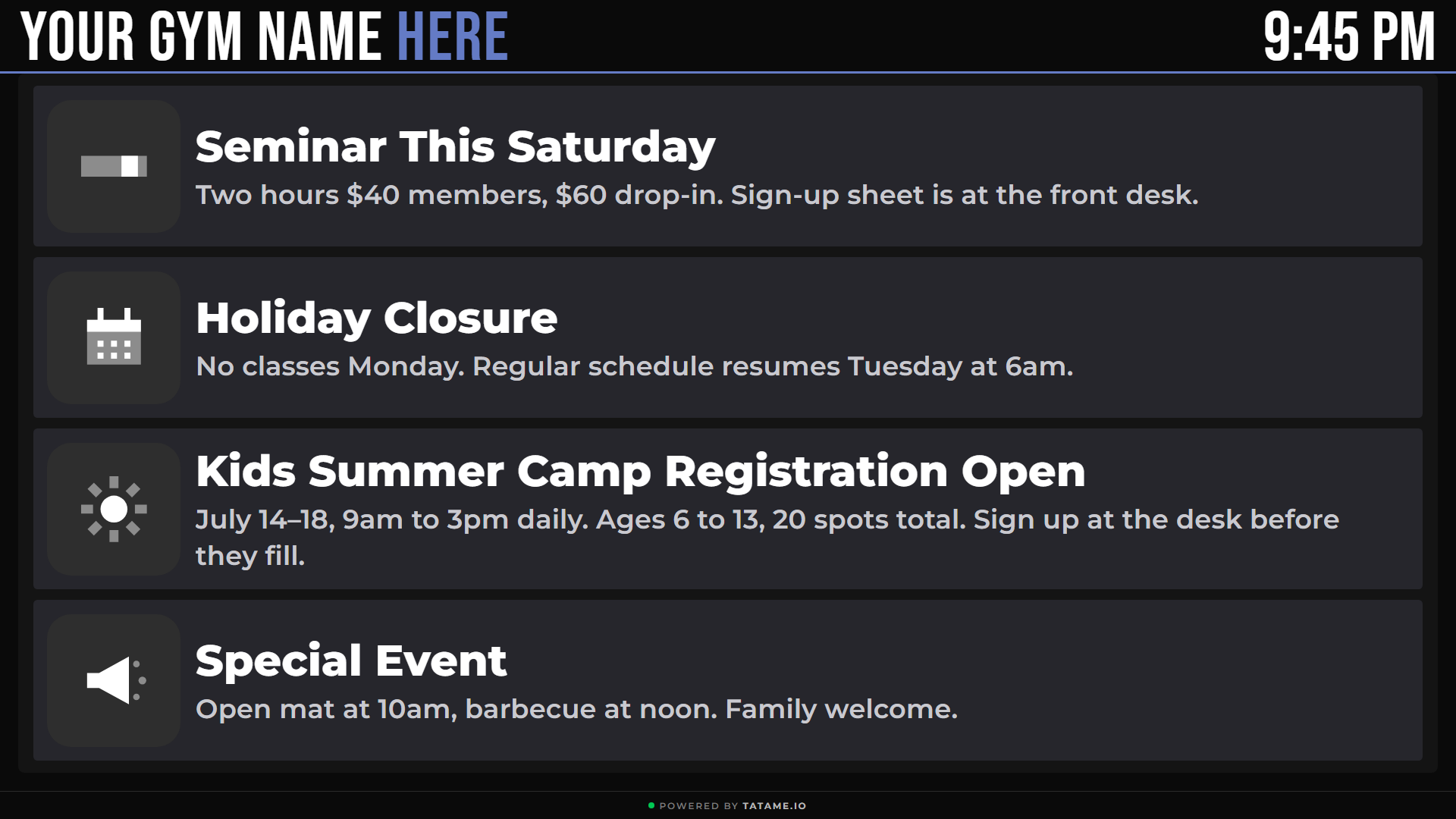
Plan it once with start and end dates. It shows up when it should and disappears when it's done.
Set the schedule.
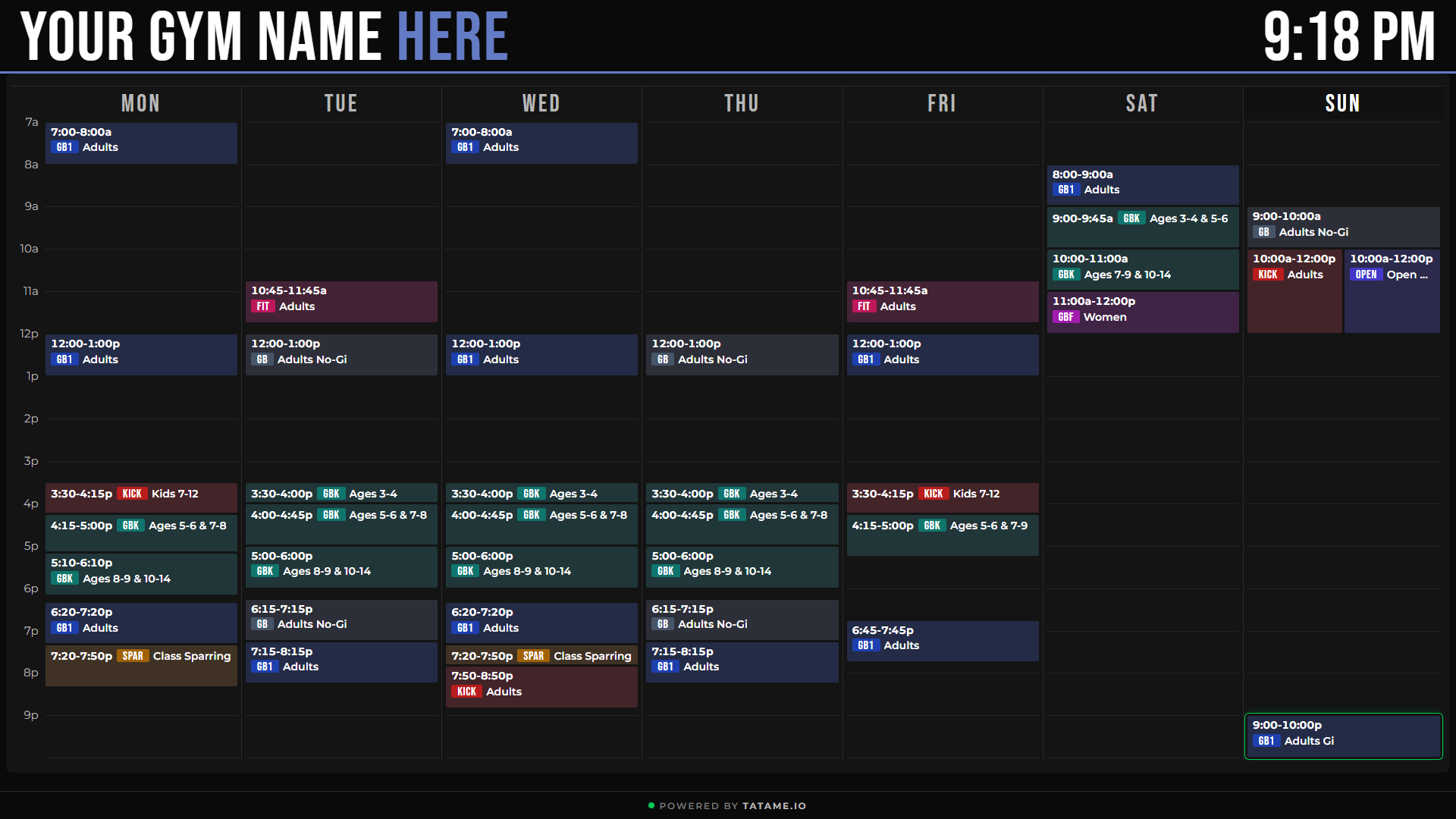
Show your daily and weekly schedule, with categories and support for events happening at the same time.
Run the room.
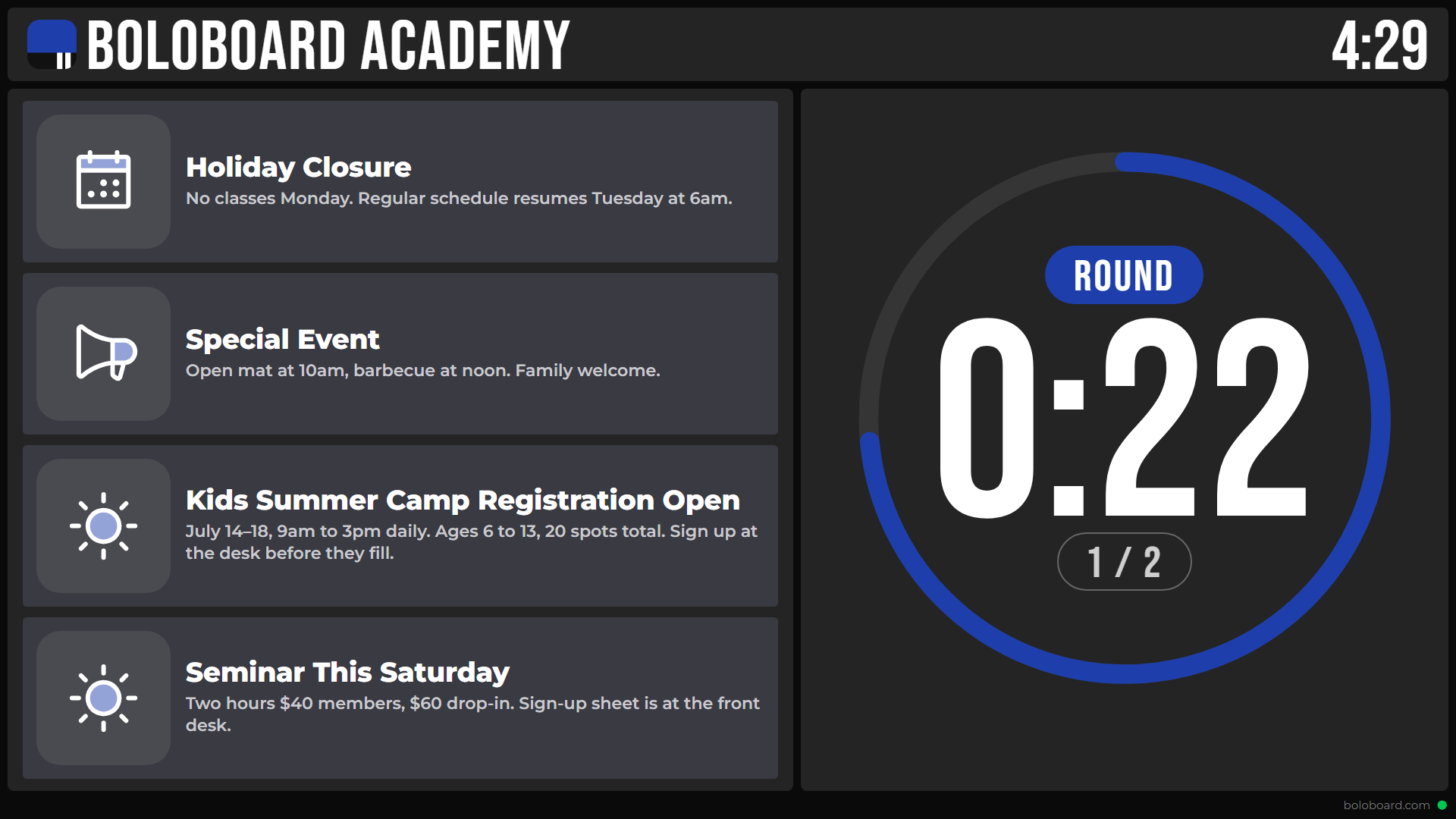
Control timer displays from your phone with multiple modes and presets.
Show your gym.
Photos and YouTube videos, full screen or beside your schedule, announcements or timer.
Your logo. Your colours.
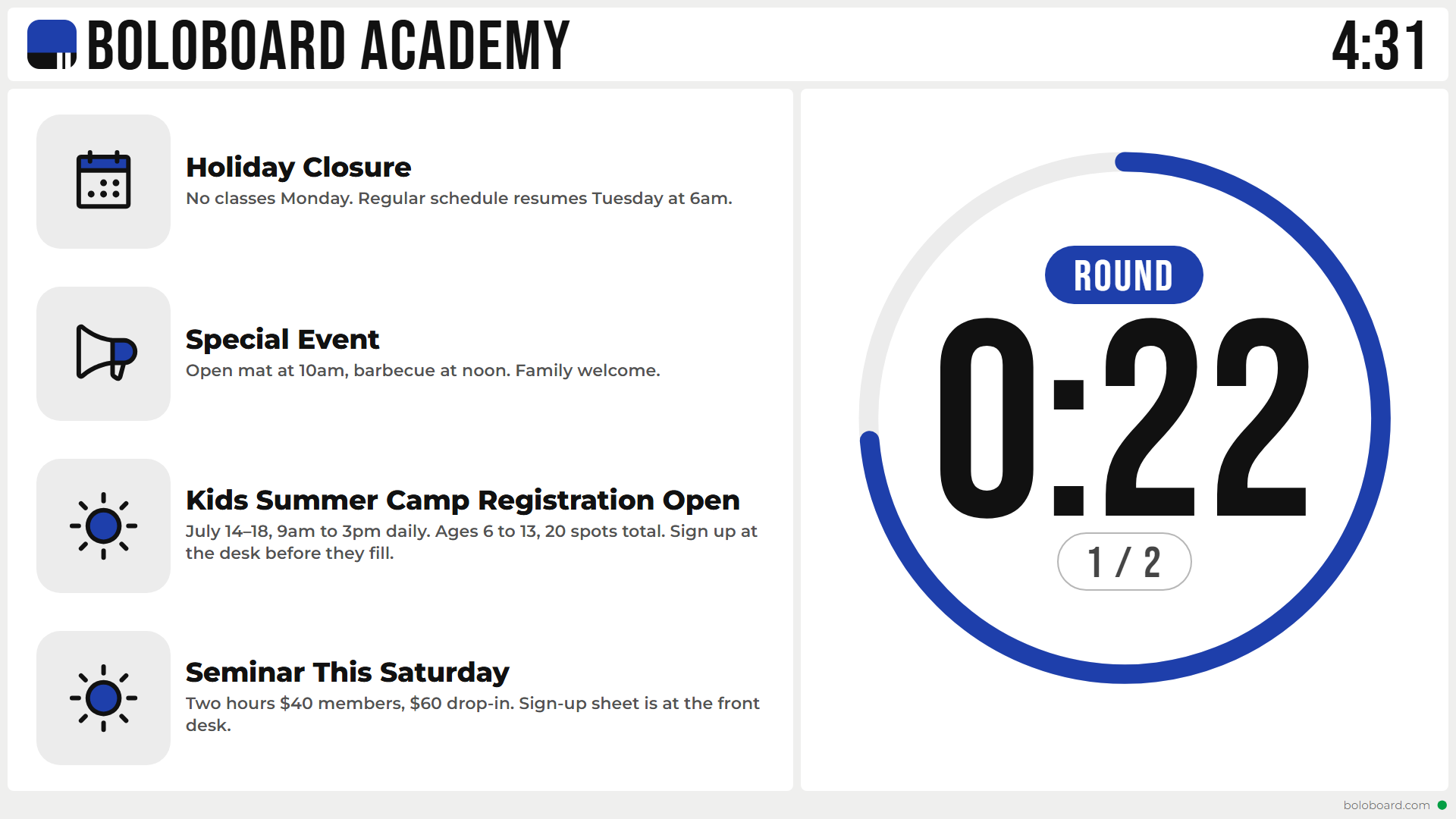
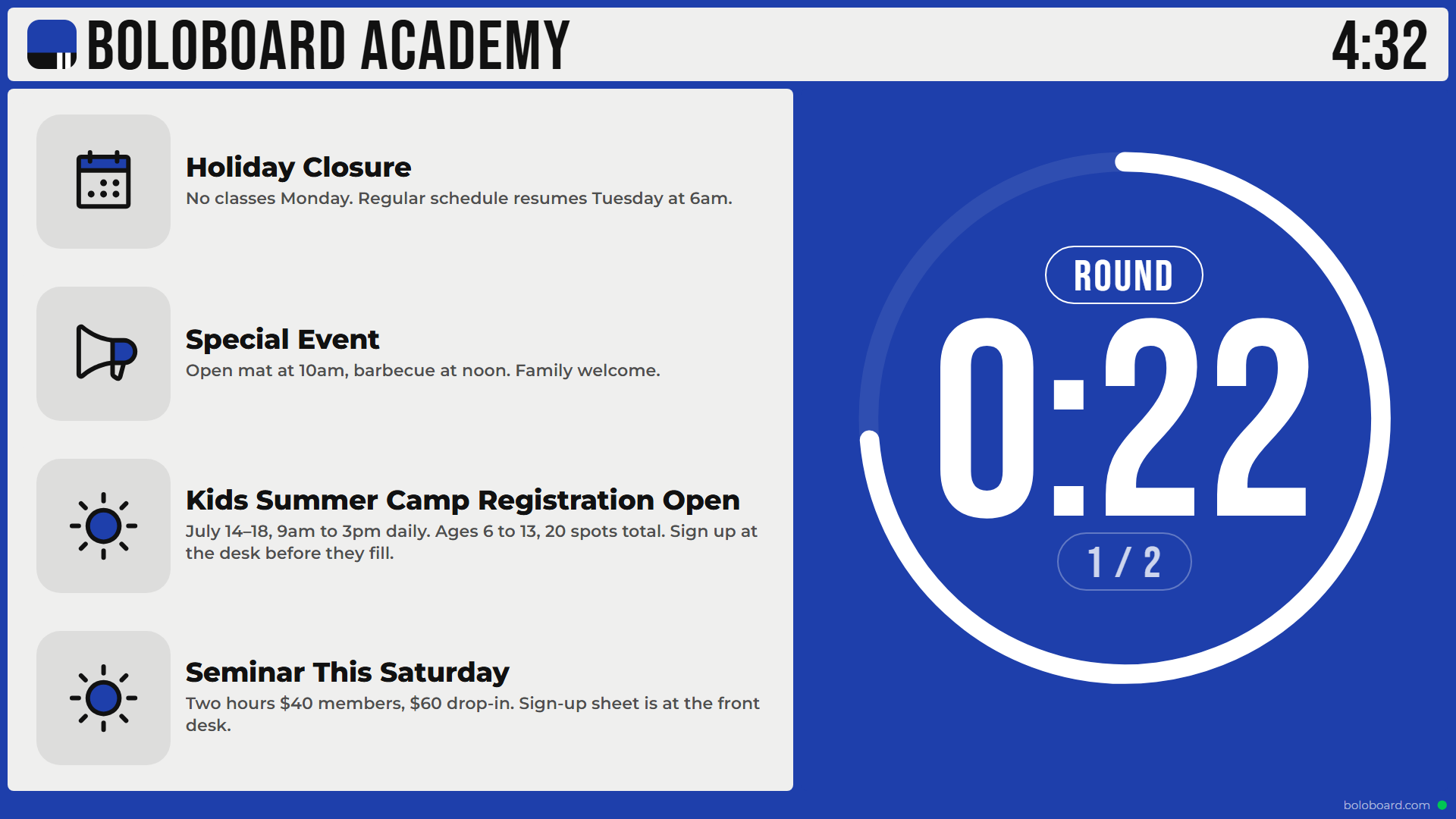
Every display shows your gym's name and logo. Pick a dark, light or filled look, then a preset accent or your own colour.
How it works
Get your hardware.
A display with Google TV built in, or any display with a Google TV streaming device.
Connect your display.
Sign up, add a display, and enter its code on the screen.
Run it from anywhere.
Update your schedule, announcements and media from any browser. Instructors run the timer from their phone.
Questions
What hardware do I need?
A display with Google TV built in, or any screen with a Google TV streaming device.
How is the timer controlled?
From the instructor's phone — a web controller that pairs with your displays.
Do I need a card to start?
Yes — you'll add a card when you sign up. You get a 30-day free trial before it's charged.
Ready to run the room?
Set up your first display and start running class from your phone.
Start free30-day free trial · card required to start
See pricing